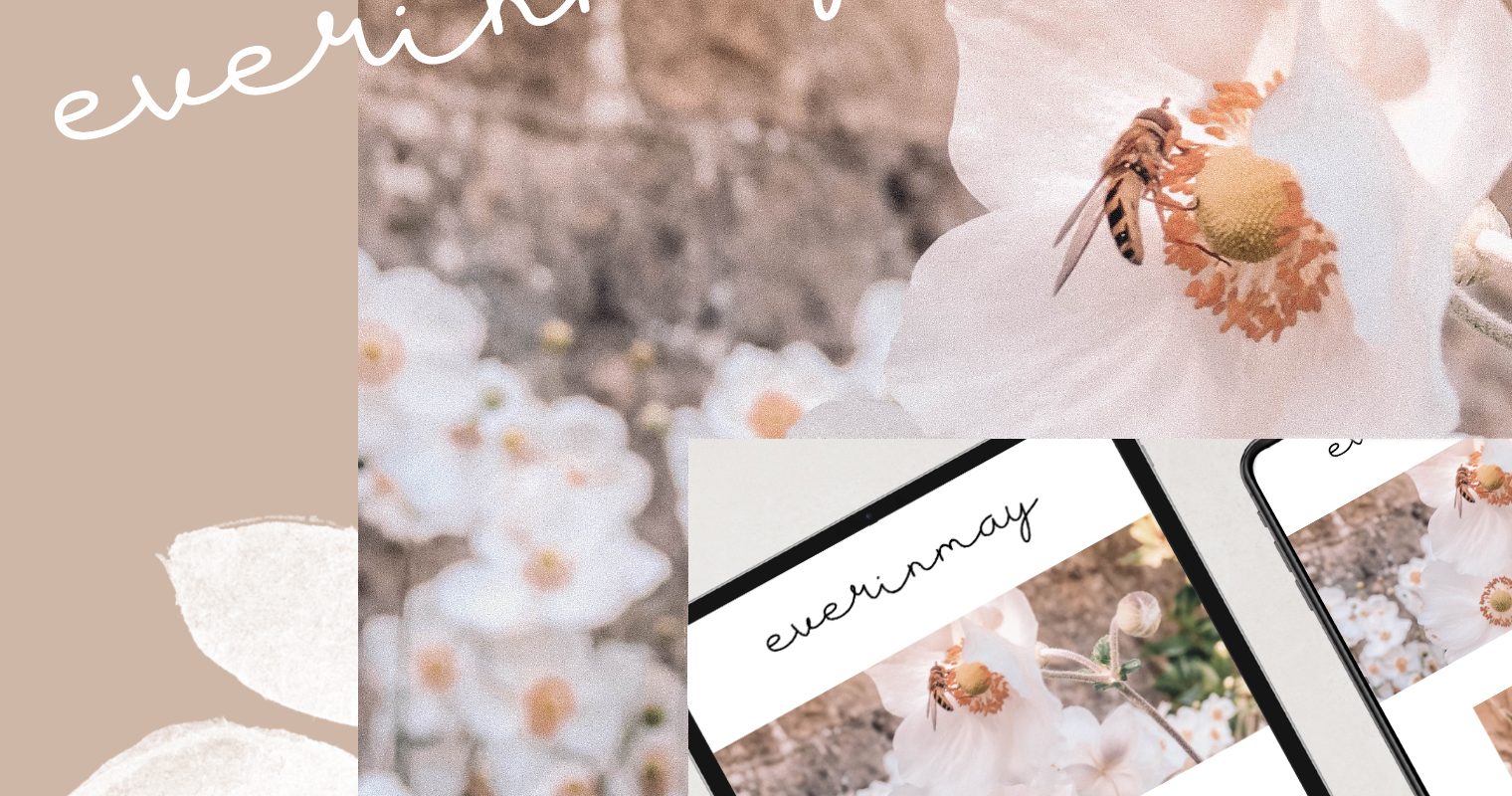
I always find myself taking stock of my blogging year in December and I start to think about what I would like to achieve in the next 12 months. It’s definitely the time of year I get get itchy feet design wise and as much as I would like to make big changes to my theme and content those sort of changes don’t come cheap! I have found that just like when you switch up your living room or bedroom layout, little tweaks can make a huge difference to the feel of your online space. That’s why I’ve put together my 5 quick ways to refresh your blog, for free!
Change your theme colour Most of us have a colour we use to brand our site, and it’s usually peppered throughout the site on the footer/top nav bar and ‘read more’ buttons etc. Changing out this colour for something more seasonal or just something that reflects your new direction makes such a huge difference! I have dabbled with a few colours this year but I can feel a soft ochre, nude pink or sage green being next on my list.
Change your blog header This can be a very expensive task and I actually had my header hand lettered as when I was looking (nearly 2 years ago now) I couldn’t find a beautiful hand lettered style font free or otherwise. Well typography has certainly moved on from then and now you can find a plethora of gorgeous hand lettered styled fonts online at FontBundles which can give your blog a really unique, stand out design and a total rebrand for free!
Check your theme layouts Most themes come with a few different layout options and usually include with/without sidebar and full post/grid post layouts. I like to switch these up seasonally to give my blog a much needed refresh. My particular theme comes with some widget areas sprinkled throughout so I can change up the layout pretty dramatically. If yours doesn’t then you can add a widget plugin on the wordpress plugin directory for free and it will give the same effect (so it will allow you to make areas between posts/above the footer/below the header to add things like ‘shop my favourites’ and an instagram widget higher on your page)
Utilise your slider I think the traditional slider had probably had it’s day now and as such you can turn the slider into a static full sized image as a sort of welcome banner to your blog. I think this is really effective in showcasing what your blog is about and any photography you’re particularly proud of at that time. Changing this photo periodically will have a big impact on your layout as it’s the first image people will see when arriving on your homepage, it’s a very effective way to refresh your blog!
Lose the sidebar Sidebars can slow your site down, especially if yours is filled with instagram/pinterest/shop widgets. They also don’t add a lot design wise as most blogs have moved towards a more magazine style layout. Going full width on your blog can completely transform the look and feel of the site, your pictures will be bigger and your posts will take centre stage on the screen. It’s a good idea to ensure you edit your blog width to the size you want (think around 750-850px in width for a dramatic but not overpowering full width view) I was worried about losing my sidebar but having the widget areas peppered throughout the homepage and my social media links in my navigation bar meant I haven’t lost any traffic and my site loads faster now!
Although it’s great to give your blog’s appearance a free facelift, it’s also a great chance to take stock of your content. Are you offering your readers something useful? I’m always trying to provide blogs that I think will give them some helpful knowledge or take them somewhere they will enjoy. An excellent example of this is linking out to relevant pages where possible so they can take book/ participate in what you’re talking about!
Say you’re writing about life hacks and ways to save time if you’re too busy. What if you need to pick up a prescription or visit your doctor before you go on holiday but you just can’t book the time off work? You can save time by visiting an online pharmacy. But if you don’t post a link, you aren’t really helping your reader out. But if you include a link to Simple Online Pharmacy where you’re writing about an online pharmacy (in a suitable spot in your content), it will be much easier for your reader to go directly to what you’ve just written. Useful links are a great way to add value to your content.
Combining blog appearance with content overhaul is also the perfect way to refresh your blog.
Here are 3 blog transformations I have done for free using these tips:


FONT’S USED L-R : JEAN JIGGA / PIKO / HOUSTTIK
So the exact same theme, but a few tweaks using some beautiful fonts, new colour schemes and variations on the layout and it looks like a completely new blog! I really hope you found this post useful, if you make any changes based on these tips make sure to leave a comment below with your blog link so I can check them out!

Leave a Reply